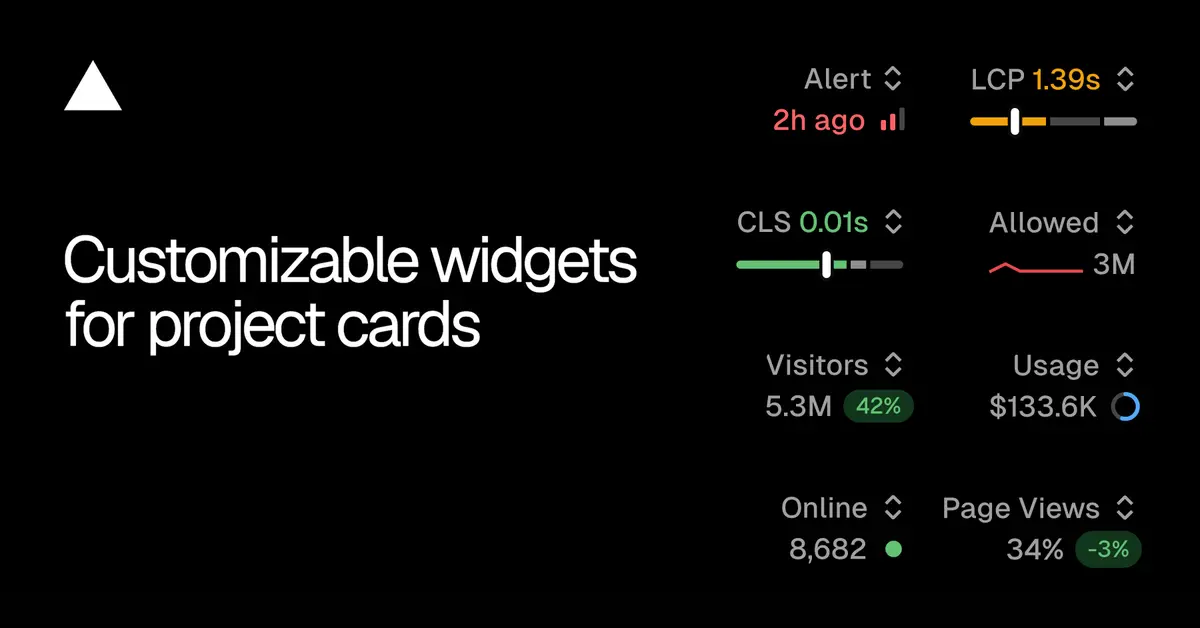
Previously, project cards displayed a static Real Experience Score in the upper right corner. This limitation is addressed because different team members monitor distinct operational signals.
Users can now replace this fixed slot with any metric relevant to a specific project. For example, a project with security concerns may feature firewall activity, whereas a marketing site project could display traffic data.
Available metrics across different categories include: Firewall (allowed requests, denied requests); Observability (alerts, edge requests, function invocations, error rate); Speed Insights (Real Experience Score, LCP, CLS); and Web Analytics (visitors online, visitors, page views).
Selection is managed by opening the switcher located in the top right of any project card. This menu presents the present value for every available metric.
The selected metric remains saved for that particular project and persists across different devices and refreshes of the account.
Furthermore, if a project lacks a specific feature, users can initiate the enabling process directly from the widget menu within the Overview tab. This functionality supports Speed Insights Plus, Web Analytics, and alerts.
This capability allows platform operators to tailor the immediate visibility of critical performance indicators based on the specific operational focus of each deployed project.